Policy List
Overview
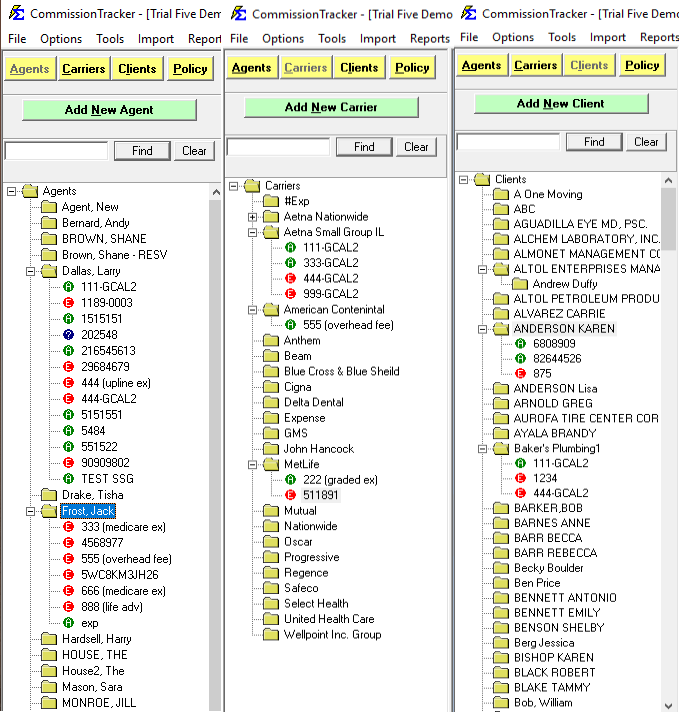
Commission Tracker allows you to organize and navigate your database using three distinct views. Each view groups policies into expandable folders.
📂 Navigation Views
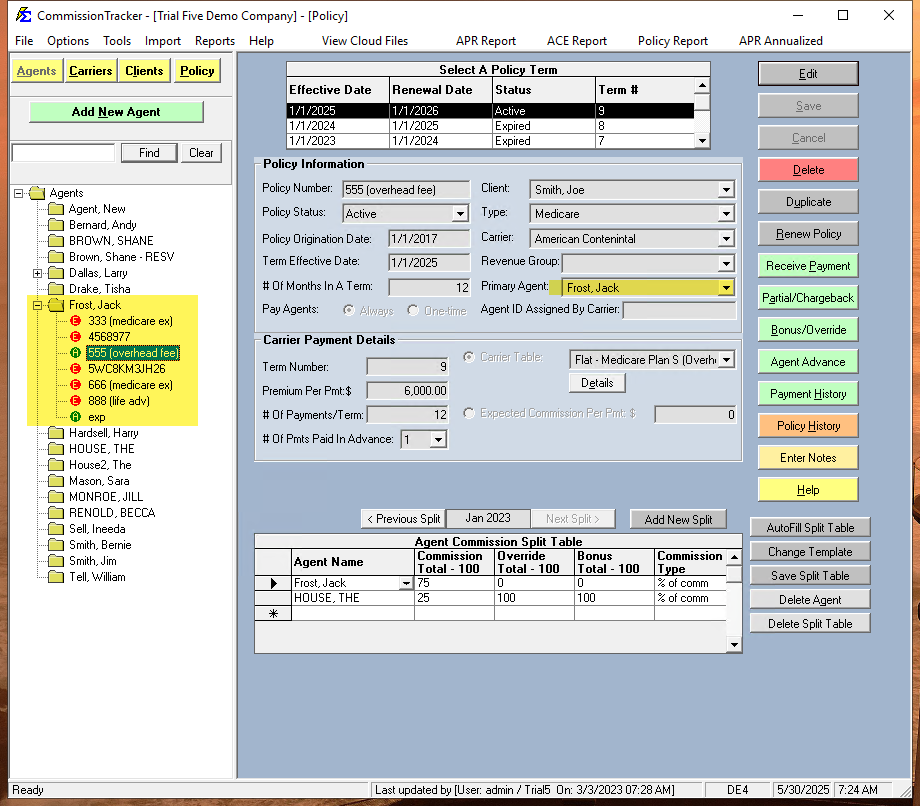
- Agents View (Default): Displays all agents. Click the + to see policies where that agent is the Primary Agent. Use the Add button to create a new agent.
- Carriers View: Displays all carriers. Click the + to see policies under that carrier. Use the Add button to create a new carrier.
- Clients View: Displays all clients. Click the + to see policies for that client. Use the Add button to create a new client.
🔍 Searching and Filtering
Using the Find Button
- Agent/Carrier View: Highlights matches; use Find Next to navigate.
- Client View: Rebuilds the list to show only matches. Use Clear to reset the list.
Policy Status Icons
Color-coded icons indicate if a policy is Active, Expired, Inactive, Prospect, or Terminated. Click here to read more about Policy Status.
⚙️ Customization
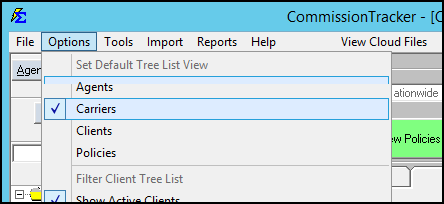
Change your default view in the Options menu.