Manually Renew a Policy
The Renew button creates a new term for a single policy, preserving the data and payment history of the previous term while starting a fresh record for the upcoming year.
💡 Why Use This
Use Manual Renew when:
- A single policy needs to advance to its next term — The current term is exhausted and you want to renew one policy at a time.
- You need to adjust rates or splits before creating the new term — Manual renewal gives you full control over the new term's settings.
- An import triggered a "Billing Date Is For The Next Term" error for a single policy — Renewing directly from the policy screen is faster than using the batch renewal tool for one-off cases.
🗺️ How to Access
- Open the policy from the Policy List.
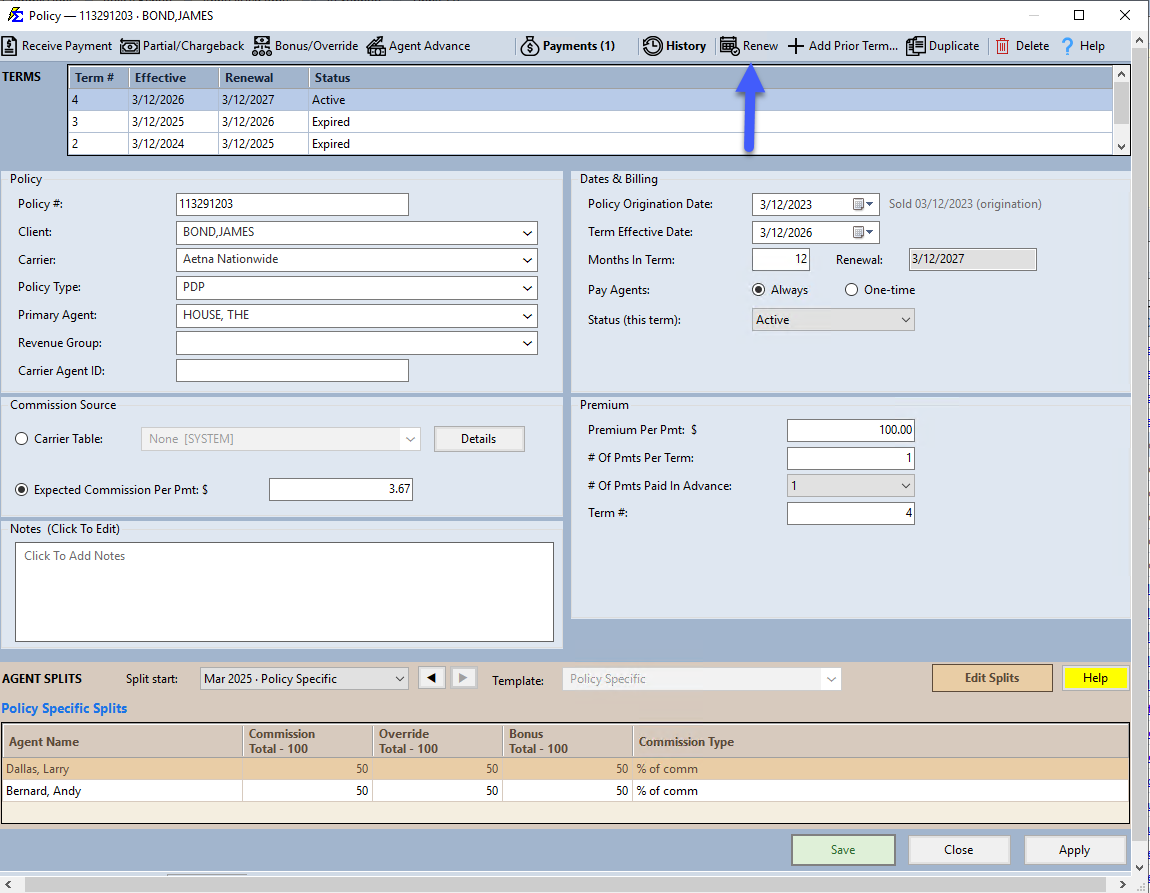
- Click the Renew button in the top action menu.
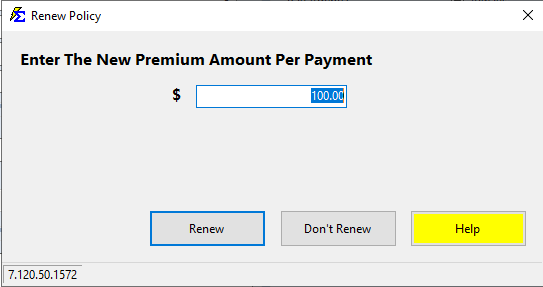
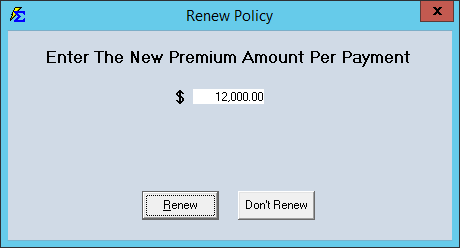
- Enter the new Premium Amount Per Payment when prompted, then click Renew to confirm (or Don't Renew to cancel).
- A new term is generated and displayed at the top of the Policy screen.
Understanding Policy Terms
Each time you renew, the system creates a distinct "Term."
- Historical Integrity — Each term retains its own Payment History independently.
- Data Carry-Over — Most policy details carry over to the new term automatically. You can adjust rates, carrier tables, or agent splits for the new year without affecting previous records.
Handling Partial Terms
If you renew a policy that has not yet reached its expected expiration date, the system displays a partial term prompt. This prompt offers to automatically adjust the start and end dates of the new term to prevent gaps or overlaps in coverage.
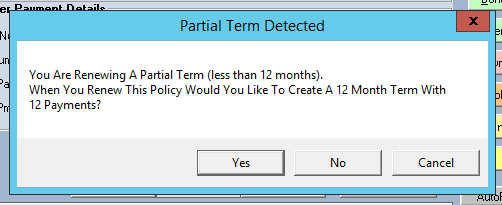
- Accept the adjustment — Recommended for most users to keep term dates aligned correctly.
- Ignore the adjustment — Only appropriate if you are intentionally override-dating a short-term policy.
🔧 Troubleshooting
The Renew button is not visible. Confirm the policy is open and you are on the current active term. The button may only appear in specific screen modes — check that you are not in a read-only view.
After renewing, the new term has the wrong effective date. Open the new term and update the Term Effective Date in the Dates & Billing group (see Policy Information). If the previous term's renewal date was incorrect, that date carries forward — correct it before renewing next time.
I renewed by mistake and need to undo it. Navigate to the policy and delete the newly created term from the Policy Term list. The policy reverts to its previous term and expiration date.
I need to review or update agent splits for the new term. After renewing, open the new term and check the Agent Commission Split Table. Splits carry over from the prior term — create a new split table entry if the arrangement changed for the new year.
🔗 Related Topics
- Renewing Policies — Overview of all renewal methods.
- Renew Policies (by Carrier) — Batch-renew all policies for a carrier.
- AutoRenew Policies — Automatically renew policies as they expire.
- Policy Information — Edit term dates on the new term.
- Agent Commission Split Table — Update splits for the new term.
Need help? Contact support@commission-tracker.com