Carrier Table Report
The Carrier Table Report provides a comprehensive directory of every commission schedule and its associated rates currently active in your system. It is the primary audit tool for verifying that your agency's contracts are accurately reflected in the software's calculation logic.
💡 Why Use This
Use this report when:
- Auditing contract data — Perform a side-by-side comparison of your carrier contracts against the system's calculation logic.
- Reviewing multi-year renewals — Verify that commission rates shift correctly as policies move from Year 1 into subsequent renewal terms.
- Analyzing graded structures — Confirm that premium tiers (e.g., first $5,000 vs. next $10,000) are configured with the correct corresponding percentages.
- Historical reference — Maintain a printed or digital log of your commission schedules for compliance and internal review.
🗺️ How to Access
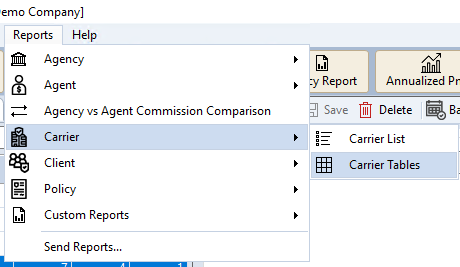
- Navigate to Reports → Carrier → Carrier Tables.
- This report has no external filters — it provides a complete audit of all tables in the system.
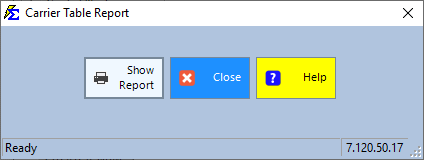
- Click Show Report.
Report Layout
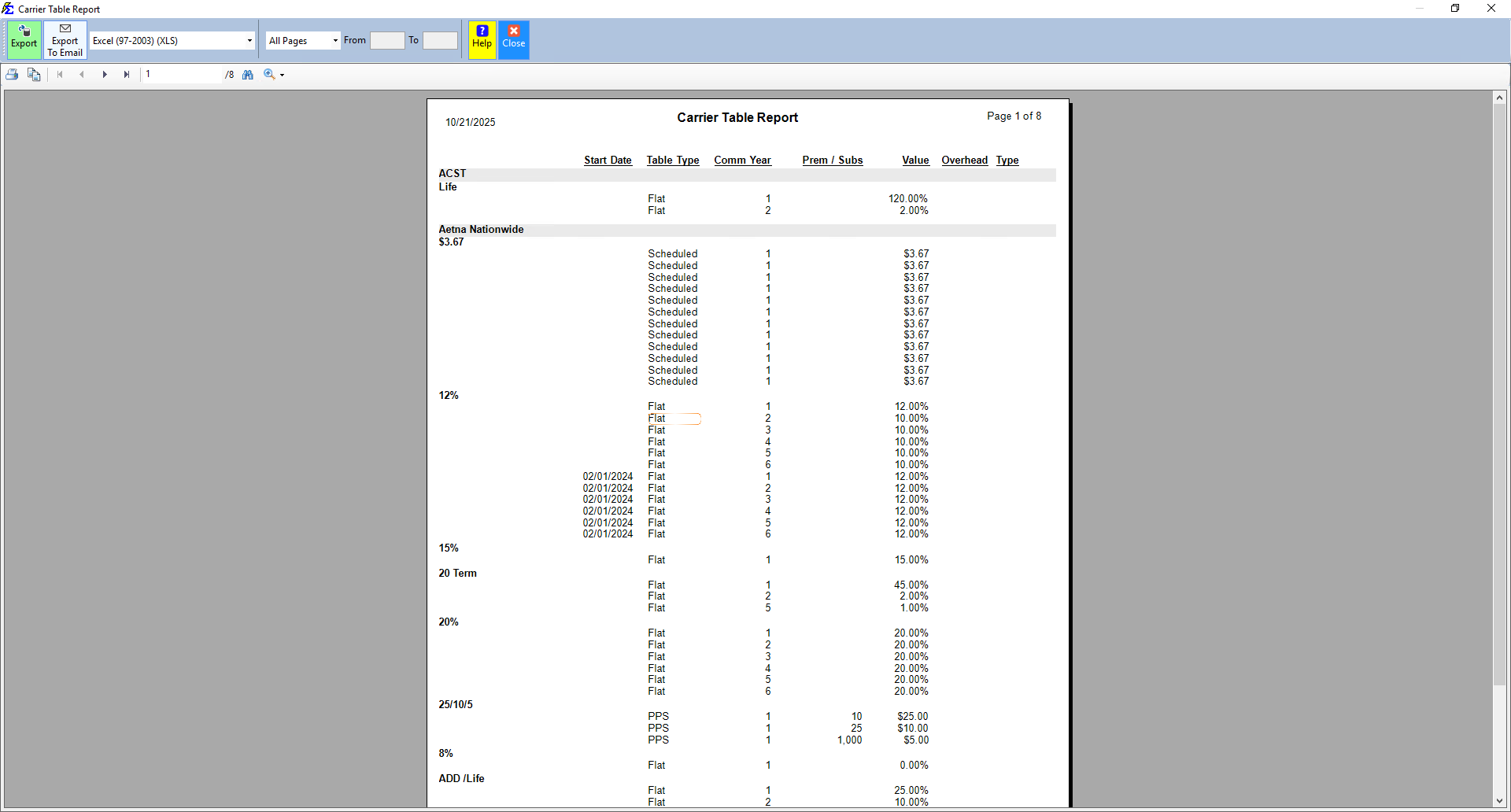
The report is sorted first by Carrier Name and then alphabetically by Commission Table Name.
| Column | Description |
|---|---|
| Carrier / Commission Table | Displays the carrier and the specific product schedule (e.g., Aetna - Small Group Dental). |
| Comm. Year | The Policy Term. Year 1 is the initial term; Year 2 and beyond represent renewal cycles. |
| Premium | The premium tiers for Graded Tables — the dollar thresholds where rates change. |
| Comm. Rate | The percentage of premium paid to the agency for that specific year and premium tier. |
Interpreting Results
- Flat rates — For standard tables, a consistent rate appears across all premium levels.
- Graded tiers — For complex contracts, the report illustrates how commission drops as premium thresholds are met (e.g., 20% on the first $1,000, dropping to 15% after $5,000).
- Term shifts — You can confirm whether a carrier pays a higher "heaped" commission in Year 1 and shifts to a lower "level" renewal rate in Year 2.
🔧 Troubleshooting
Multiple entries appear for the same Carrier Table. This is expected when a table has multiple Terms or Premium Tiers defined. Each row represents a specific calculation rule the system uses for a given year and premium range.
A rate on this report is incorrect. Navigate to the carrier record, select the Carrier, and edit the specific Carrier Commission Table. Changes take effect for future payments. See Carrier Commission Tables for instructions.
A table I expect is missing from the report. The report shows all tables with no filters applied. If a table is missing, verify that it was saved correctly on the Carrier screen. A table created but not assigned to any carrier may not appear.
🔗 Related Topics
- Carrier Commission Tables — Create and manage the commission schedules shown in this report.
- Commissions by Carrier Table — Revenue summary grouped by commission schedule.
- Accounts Receivable — See how these rates apply to specific policy balances.
Need help? Contact support@commission-tracker.com