Agent List Report
The Agent List Report provides a comprehensive directory of all agents in your system. Use it to audit agent contact information, license status, and system-wide settings in one centralized view.
💡 Why Use This
Use this report when:
- Auditing agent contact data — Verify email addresses and phone numbers for your entire team.
- Reviewing system status — Quickly identify which agents are marked as Active or Inactive.
- Exporting directories — Create a mailing or contact list for use outside of Commission Tracker.
- Bulk data review — Check for missing Agent IDs or licensing details across all profiles.
🗺️ How to Access
- Navigate to Reports → Agent → Agent List.
- On the selection screen, choose the agent statuses (Active, Inactive or both) and the sort order.
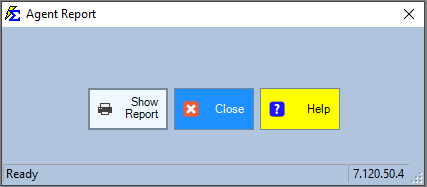
- Click Show Report.
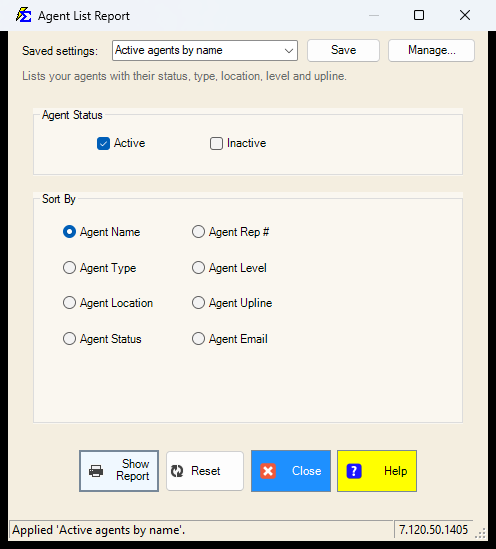
The picture shows a newer version, with the Saved settings row at the top. On other servers that row is not there.
Saved Settings
Newer versions only
This is in newer versions of Commission Tracker. If you do not see it, your server has not been updated yet.
The filter screen has a Saved settings row at the top. Set the statuses and the sort order the way you run this report, type a name and click Save; next time, pick the name and the screen fills in. Saved settings are shared by everyone in your company, and the report remembers the last one you used.
- Everything on the screen is remembered: the Active / Inactive boxes and the sort order.
- There are no dates on this report, so there is no period to choose.
- Reset puts the screen back to the way it opens: both statuses, sorted by Agent Name.
See Saved Report Settings for saving, renaming and deleting.
Interacting with the Results
The Agent List Report is fully interactive — you can manipulate the data before exporting.
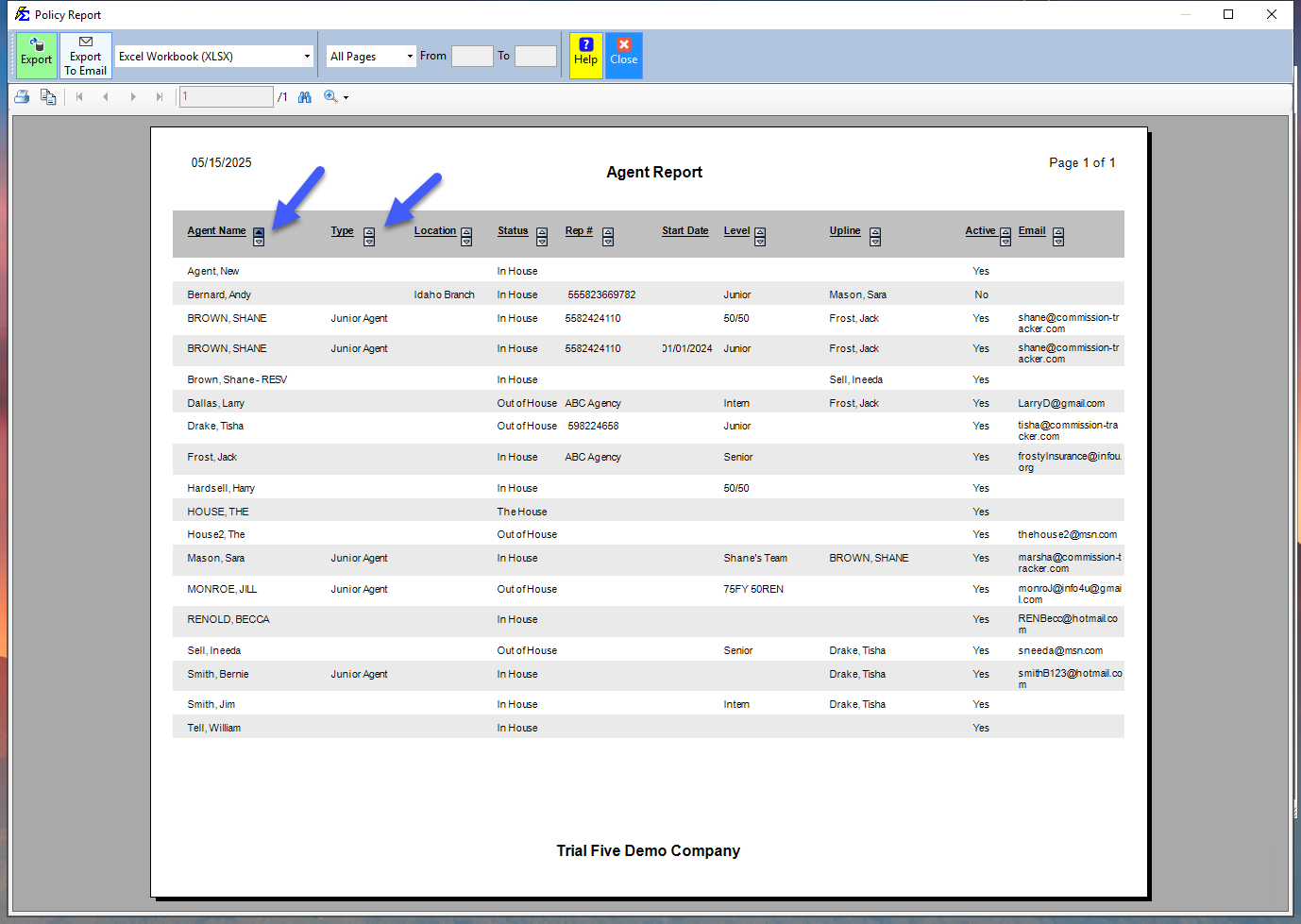
- Sorting — Click any column header (e.g., Name, Status, Email) to sort the list in ascending or descending order.
- Filtering — Use the built-in search tools to locate specific agents quickly.
Exporting the Report
- PDF Export — Includes all column headings and professional formatting, suitable for a printed directory.
- Excel/CSV Export — Produces a clean flat file optimized for importing into other tools. Column headers may not display by default to simplify data manipulation.
- Sort order is preserved — The export maintains the exact sort order you applied on the interactive screen.
🔧 Troubleshooting
An agent is missing from the list. Confirm you have not applied a filter on the selection screen that excludes them (such as an Active-only status filter). Also verify that the agent was saved correctly on the Agent screen — agents that were started but not fully saved will not appear.
I need to see only Active agents. Use the Status filter on the report selection screen to toggle between Active, Inactive, or All agents. The default may include all statuses depending on your settings.
The exported Excel file is missing column headers. This is expected for Excel exports — headers are omitted to produce a clean flat file for data manipulation. If headers are needed, use the PDF export or add them manually after opening in Excel.
🔗 Related Topics
- Agent Book of Business — Commission and policy data for a specific agent.
- Agent Commission Splits Report — Audit how commissions are allocated per policy.
- Manage Agents — Create and edit agent records.
Need help? Contact support@commission-tracker.com