Agent List Report
The Agent List Report provides a comprehensive directory of all agents within your system. It is a powerful tool for auditing agent contact information, license status, and system-wide settings in one centralized view.
When to Use This Report
Use this report when you need to:
-
Audit Agent Contact Data - Verify email addresses and phone numbers for your entire team.
-
Review System Status - Quickly identify which agents are marked as "Active" or "Inactive."
-
Export Directories - Create a mailing or contact list for use outside of Commission Tracker.
-
Bulk Data Review - Check for missing Agent IDs or licensing details across all profiles.
Accessing the Report
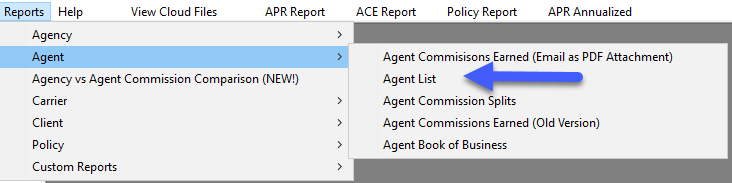
- Open the Reports menu.
- Select the Agent tab.
- Click on Agent List.
Generating the Report
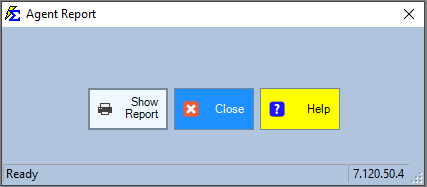
From the selection screen, you can filter for specific agents or simply generate the full list.
- Select your desired criteria (or leave blank for all agents).
- Click Show Report.
Interacting with the Report Results
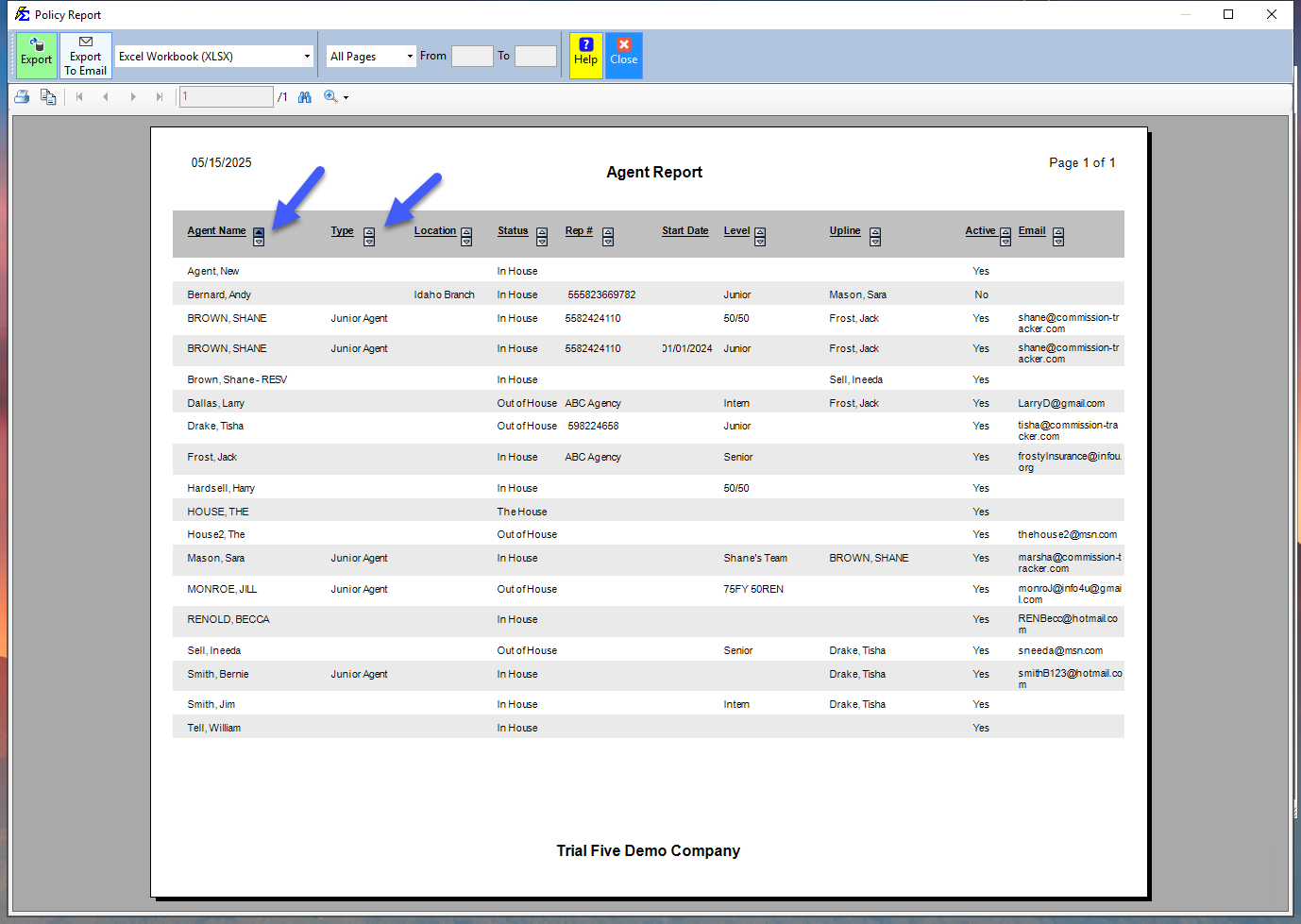
The Agent List Report is fully interactive, allowing you to manipulate the data before exporting.
- Sorting: You can click on any column heading (e.g., Name, Status, Email) to sort the list in ascending or descending order.
- Filtering: Use the built-in search/filter tools to find specific agents quickly.
What Happens When You Export
You can export or email this report directly from the software in several formats (Excel, PDF, CSV).
- Retention of Sort Order: When you export to Excel or PDF, the report will maintain the exact sort order you selected on the interactive screen.
- PDF Formatting: The PDF export includes all column headings and professional branding.
- Excel Formatting: The Excel export provides a "clean" data set (flat file), which is ideal for importing into other tools, though it may not display column headers by default to make the data easier to manipulate.
Troubleshooting
Q: Why is an agent missing from this list? A: Ensure you haven't applied a filter on the selection screen that excludes them. Also, verify that the agent was actually saved in the Initial Agent Creation step.
Q: Can I see only my "Active" agents? A: Yes. Use the status filter on the report selection screen to toggle between Active, Inactive, or All agents.
Need help with report exports? Contact support@commission-tracker.com