Carrier List Report
The Carrier List Report serves as a master directory for all insurance providers configured within your system. This report is essential for auditing carrier contact information, verifying website portals, and ensuring your carrier database is organized and up to date.
When to Use This Report
Use this report when you need to:
-
Audit Carrier Data - Review addresses, phone numbers, and website links for all carriers in one view.
-
Update Portals - Quickly access and verify the login URLs stored for each carrier's commission portal.
-
Clean Up Database - Identify duplicate carrier entries or missing contact information.
-
Export Directories - Create a flat file or PDF of your carrier partners for internal agency use.
Accessing the Report
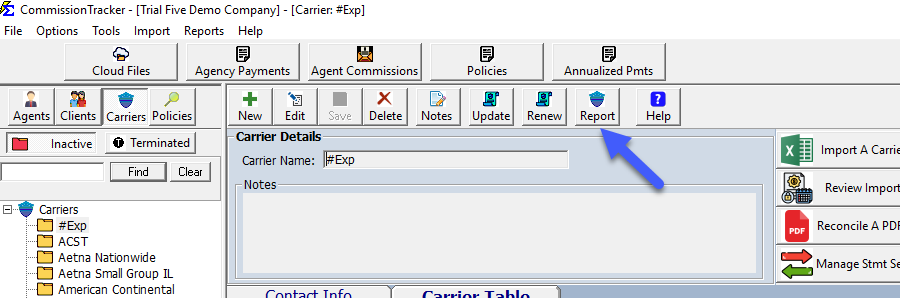
You can access this report directly from the Carrier management screen.
- Navigate to the Carrier screen from the main menu.
- Look for the Report or Print icon within the carrier toolbar.
Generating the Report
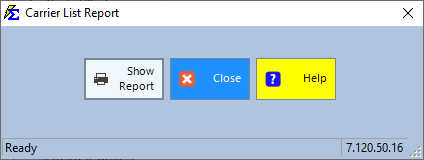
From the selection screen, you can choose to run the report for all carriers or filter for specific providers.
Interacting with the Report
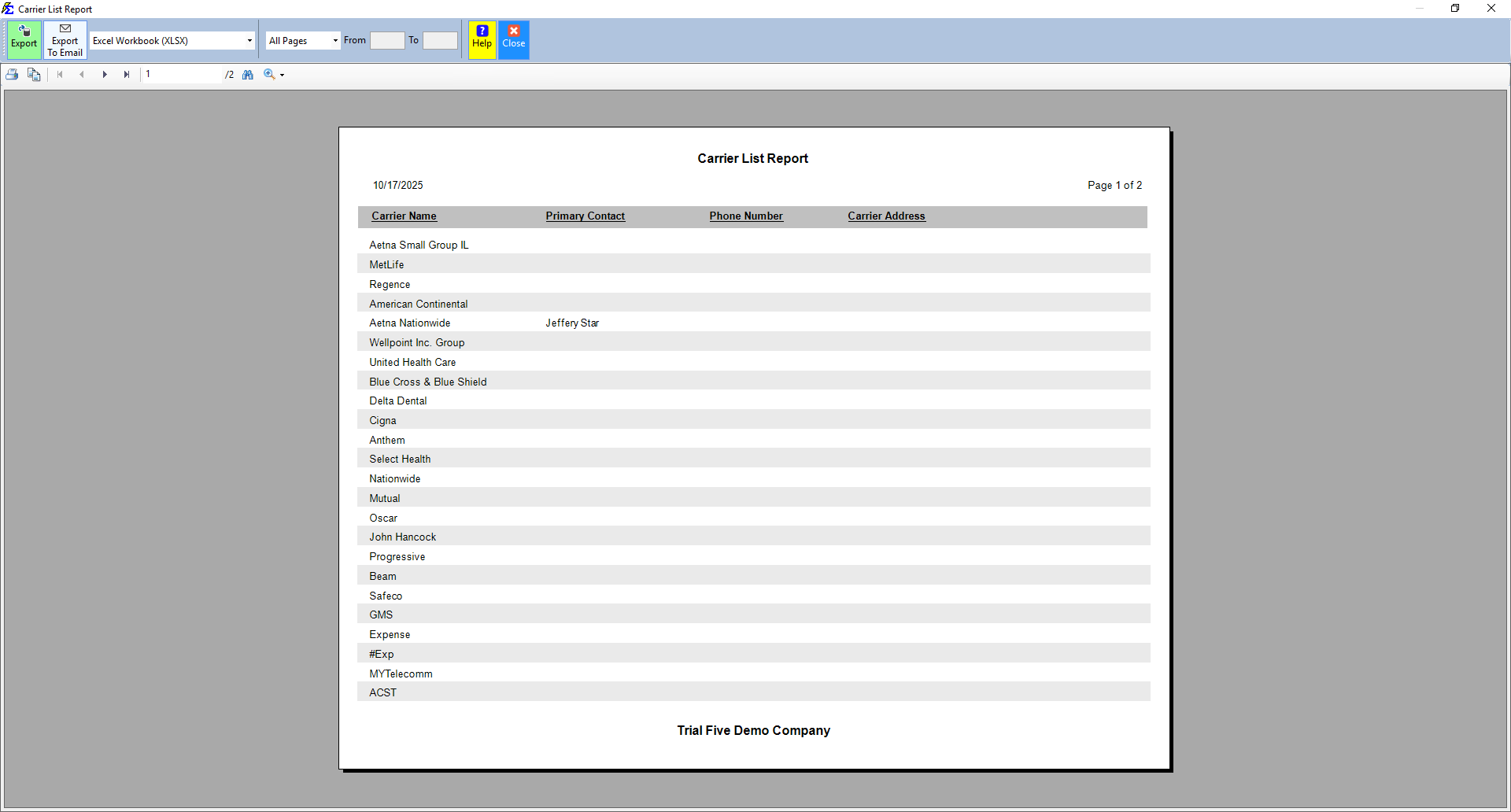
Once the report is generated, it provides an interactive grid of your carrier data.
- Sorting: Click any column header (e.g., Carrier Name, City, State) to sort the list alphabetically or geographically.
What Happens When You Export
- PDF Export: Provides a formatted, professional document including all visible columns and headers, perfect for printing an agency handbook.
- Excel Export: Generates a "clean" data grid without headers, allowing you to easily sort, filter, or mail-merge carrier data in a spreadsheet.
Troubleshooting
Q: Why is a carrier missing from the list? A: Ensure the carrier has been properly saved in the Carrier screen. If you have applied a filter (such as a specific State), ensure the missing carrier has that data filled in.
Q: Can I see which policies are tied to these carriers? A: No, this report is strictly for carrier contact information. To see policies grouped by carrier, please use the Book of Business report.
Next Step: To update the contact information for a carrier found in this report, visit the Carrier page.
Need help with carrier management? Contact support@commission-tracker.com