Commissions by Carrier Table
The Commissions by Carrier Table report provides a high-level financial summary of your agency's revenue, grouped by the specific commission schedules you have created. This allows you to analyze performance based on product lines or specific contract types across your entire book of business.
When to Use This Report
Use this report when you need to:
-
Analyze Product Profitability - Compare total revenue generated by "Dental" vs. "Vision" vs. "Life" across all carriers.
-
Audit Table Usage - Identify which commission schedules are most active and ensure policies are linked to the correct tables.
-
Strategic Planning - Determine which product types are growing or shrinking to better allocate your agency's marketing resources.
Generating the Report
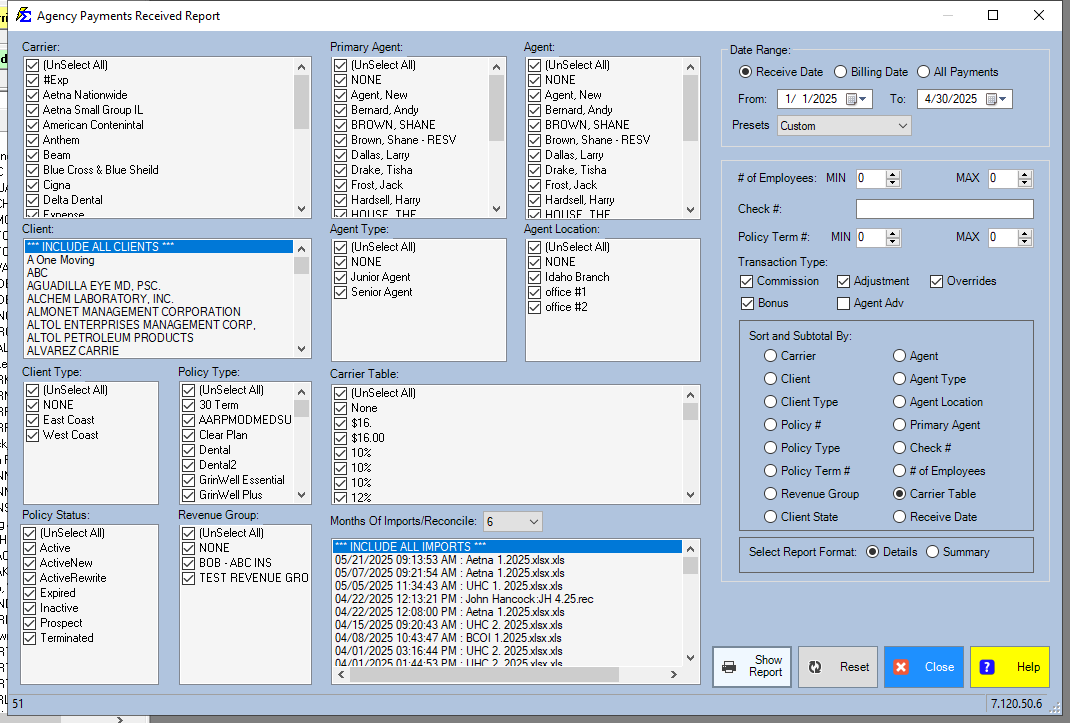
- Navigate to the Reports menu and select Carrier.
- Select Commissions by Carrier Table.
- Set your Date Range based on the payment date or billing month you wish to analyze.
Understanding the Results
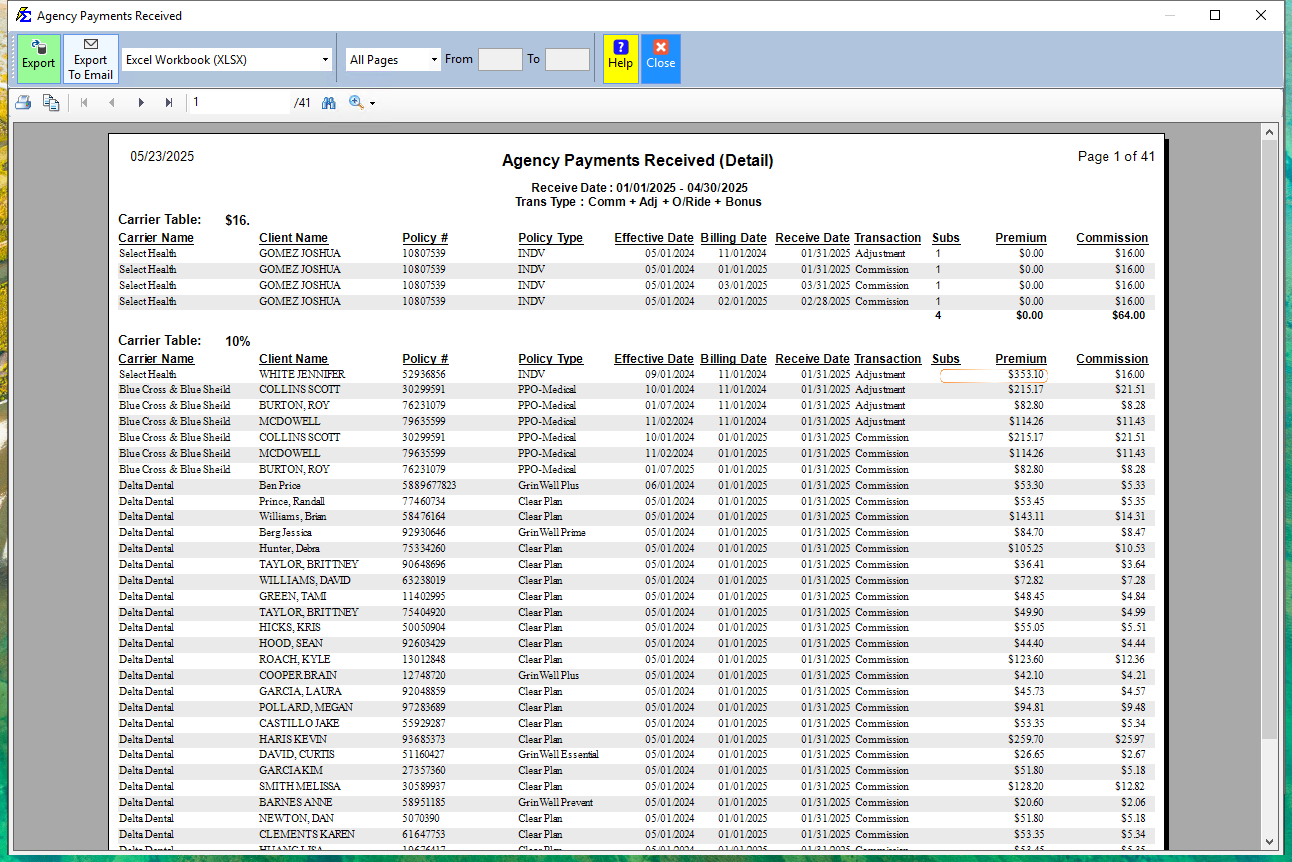
The report aggregates financial data based on the Carrier Table assigned to each policy. It provides a breakdown of:
-
Total Premium: The total volume of business associated with that table.
-
Agency Commission: The total "Actual" revenue received by the agency.
-
Agent Splits: The total amount paid out to agents for those specific tables.
-
Net House: The final profit retained by the agency after all splits are paid.
What Happens When the Report Runs
The system queries all posted payments within your selected date range. It then categorizes every dollar based on the Carrier Table linked to the policy at the time of payment. This creates a powerful view of your agency's revenue streams, helping you see beyond the carrier name to the actual product performance.
Troubleshooting
Q: Why do I see a "System - None" entry in my report? A: This occurs when policies have no Carrier Table assigned. We recommend reviewing these policies and assigning a table to ensure your product-line reporting is accurate.
Q: Does this report show individual client names? A: This is a summary-level report designed for high-level financial analysis. For a detailed breakdown including client names, use the Book of Business or the Carrier Table Report.
Next Step: To manage or update the rates used in this report, visit the Carrier Table Versions page.
Need help with revenue analysis? Contact support@commission-tracker.com