Pay Agents (Payout Frequency)
Overview
By default, whenever your agency receives a commission payment from a carrier, the system automatically triggers a payout to the assigned agents. However, the Pay Agents setting allows you to override this behavior for specific policy types or contracts where agents only receive a flat fee or a single annual commission.
⚙️ Payout Logic Options
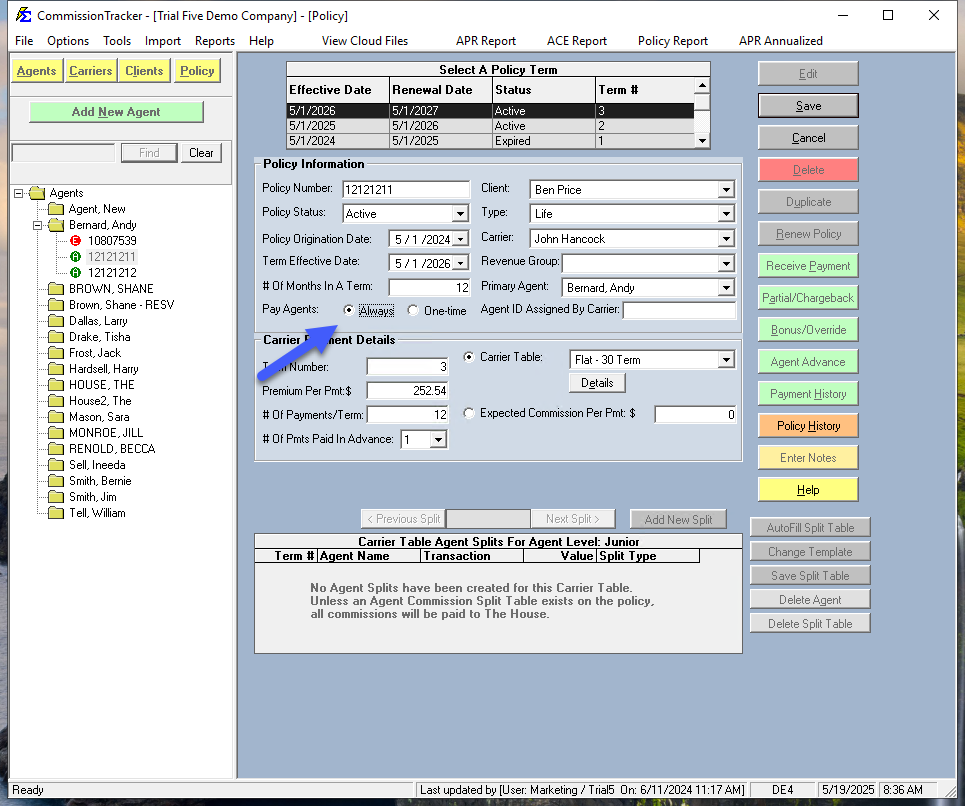
1. Pay Agents = Always (Default)
This is the standard setting for most insurance products.
-
Behavior: Every time a payment is posted to the policy (Monthly, Quarterly, etc.), the system calculates and distributes splits to all assigned agents.
-
Use Case: Standard as-earned commission structures.
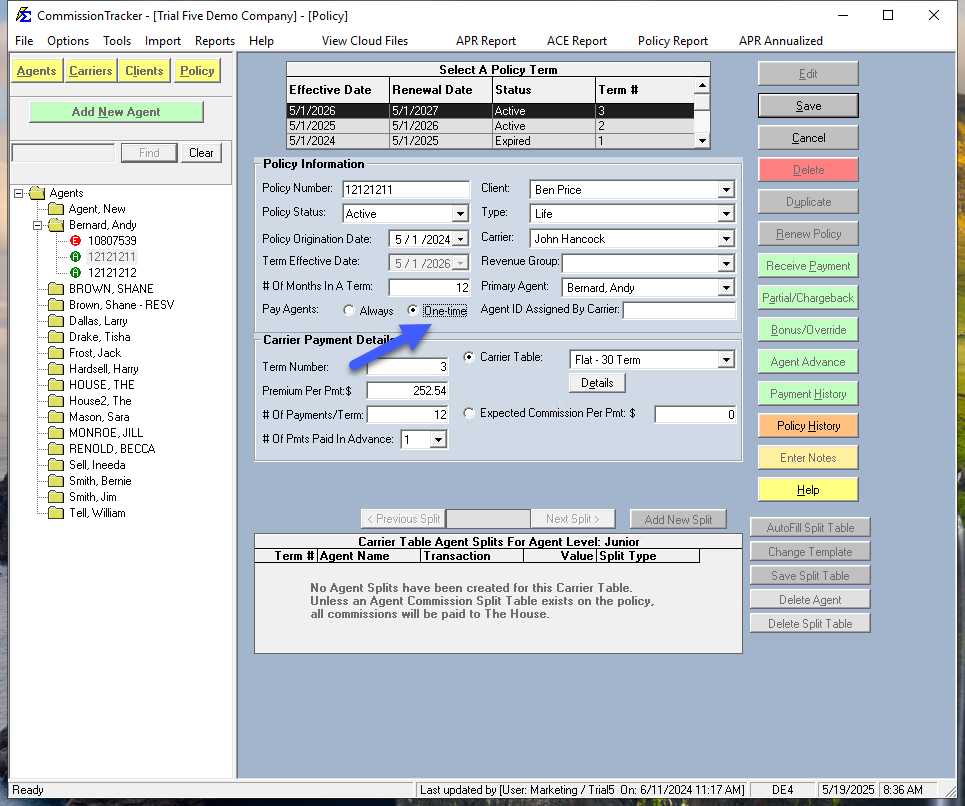
2. Pay Agents = One-time
This setting restricts payouts to the very first payment of each policy term.
-
Behavior: The system only calculates agent splits when the Billing Date of the received payment matches the Effective Date of the policy term.
-
Renewals: When the policy renews, the agent will be paid again once for the new term (when the first payment for that year arrives).
-
Use Case: High-upfront commissions where the agent is not entitled to trailing payments for the rest of the year.
⚠️ Critical Rules
The "All or Nothing" Rule
The Pay Agents setting applies to the entire policy. It is not possible to have one agent on a "One-time" schedule while another agent (or The House) stays on an "Always" schedule for the same policy record.
Impact on The House: If you set a policy to "One-time," the House account will also only show revenue for that first payment.
The Workaround
If you must pay an outside agent a one-time fee but want the Agency (The House) to track monthly "as-earned" revenue: 1. Create two separate policy records for the same client. 2. Set one to Always (for the House/Agency tracking). 3. Set the other to One-time (for the Agent payout).
💡 Tips for Success
- ✅ Verify Effective Dates: For "One-time" payouts to work, ensure your statement data matches the policy's Effective Date exactly.
- ✅ Check Splits: If an agent is missing from a commission report, check if the policy was accidentally set to "One-time" and the first payment has already passed.
- ✅ Standardize by Policy Type: Usually, specific products (like certain Life or Bonds) always use one-time payouts. Consider setting this at the Carrier Table level if applicable.
Still Need Help?
Need to adjust how the commission is split between agents? Visit the Agent Commission Splits page.