Report of Import or Reconcile Session
Overview
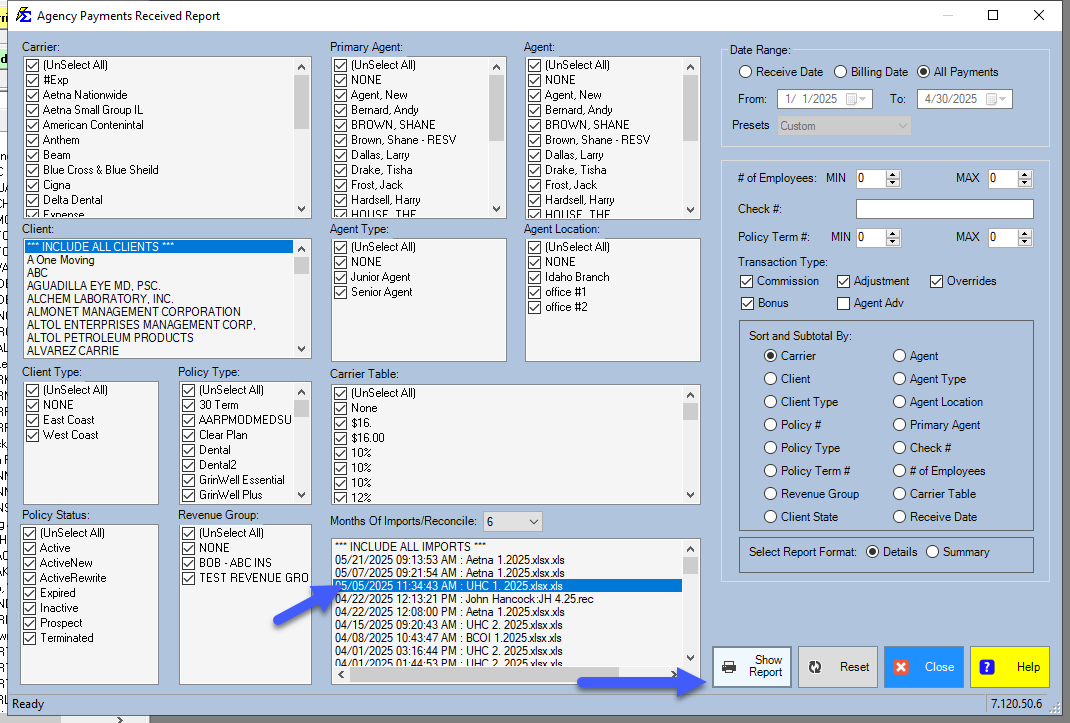
To see a detailed report of payments successfully posted during a specific session, use the Import Session filter within the Agency Payments Received report.
🛠️ Step-by-Step
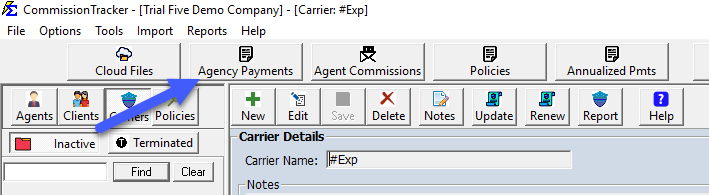
- Open the Agency Payments Received report.
- Use the Import/Reconcile Session dropdown to find your specific session (organized by Carrier and Timestamp).
- Click Preview to generate the list.
💡 Best Practices
- ✅ Reconciliation: Run this report immediately after every import to ensure your totals match your bank deposit.
- ✅ Error Checking: If the report total is off, it usually means some rows were sent to the "Errors" list and need to be resolved.