Report Search
Overview
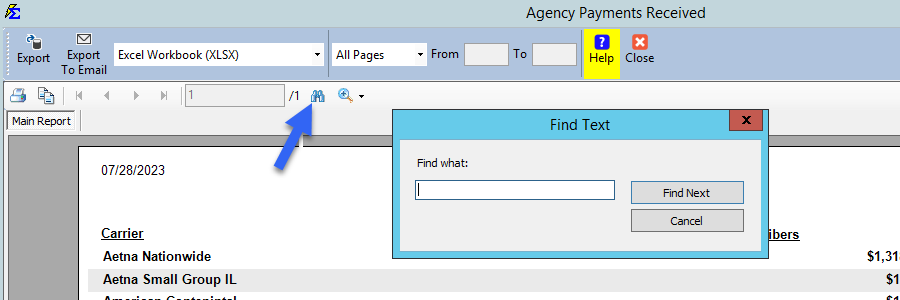
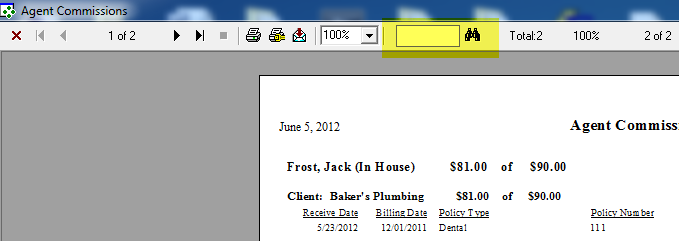
You can find specific text within any report by using the search feature located in the report preview toolbar.
🔍 Instructions
- Locate the Binoculars icon in the toolbar.
- Type the word or phrase into the text box.
- The system will jump to the first matching entry in the report.
🖼️ Interface Comparison
Modern Reports:
Legacy Reports:
💡 Best Practices
- ✅ Quick Navigation: Use this feature to quickly find a specific client's commission in a large Agent Commissions Earned report.
- ✅ Audit Tool: Search for "0.00" to quickly identify any policies that were posted without commission values.