Sort Grid Screens using Column Headings
Overview
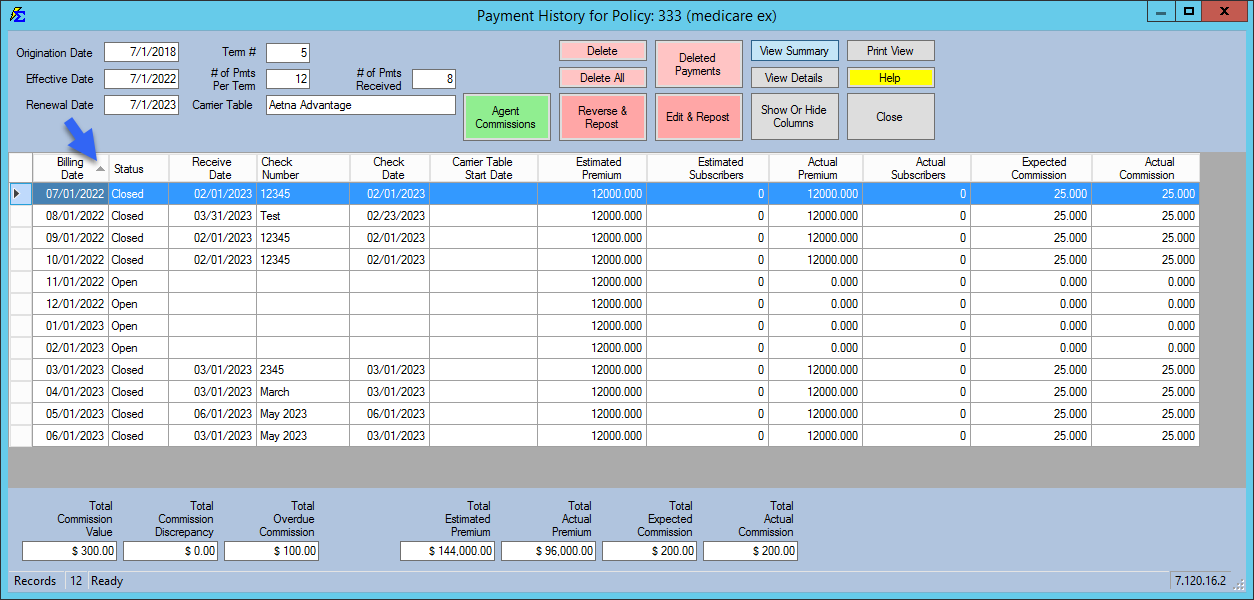
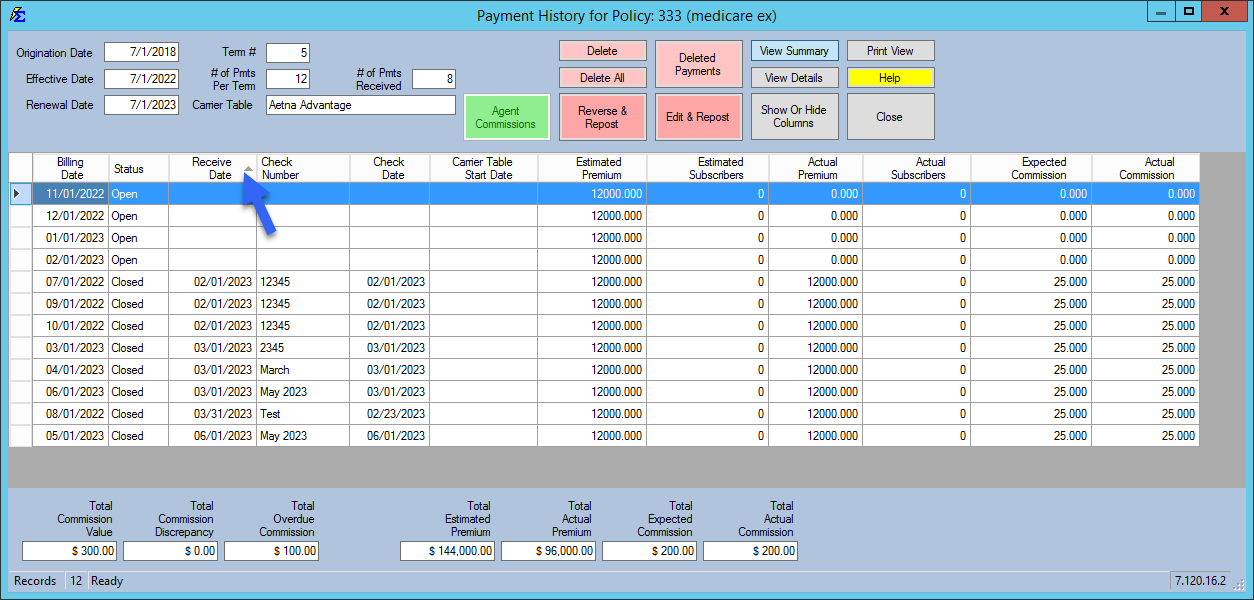
Customize your workspace by sorting grid data. Click any column header to toggle between ascending and descending order.
🔍 How to Use
- Sort: Click a column heading (e.g., Client Name, Date, or Amount).
- Direction: A grey arrow indicates if the sort is ascending or descending.
- Date Sorting: Use this to quickly see the most recent payments or upcoming renewals.
💡 Best Practices
- ✅ Quick Finds: Sort by "Status" to group all Active or Terminated policies together instantly.
- ✅ Audit Tip: Sort by "Carrier" in the payment history to verify that all payments for a specific carrier were imported correctly.