Update Policies (by Agent)
Overview
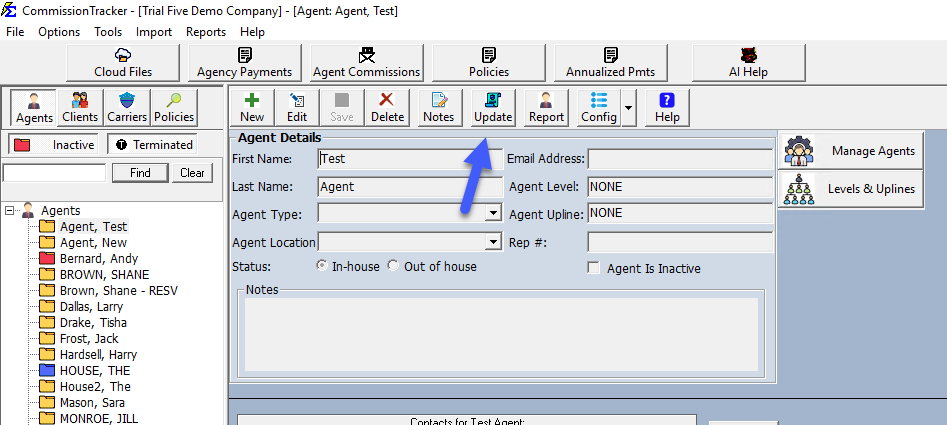
Efficiently manage an agent's entire book of business using the Update Policies tool found on the Agent screen.
🔍 Key Features
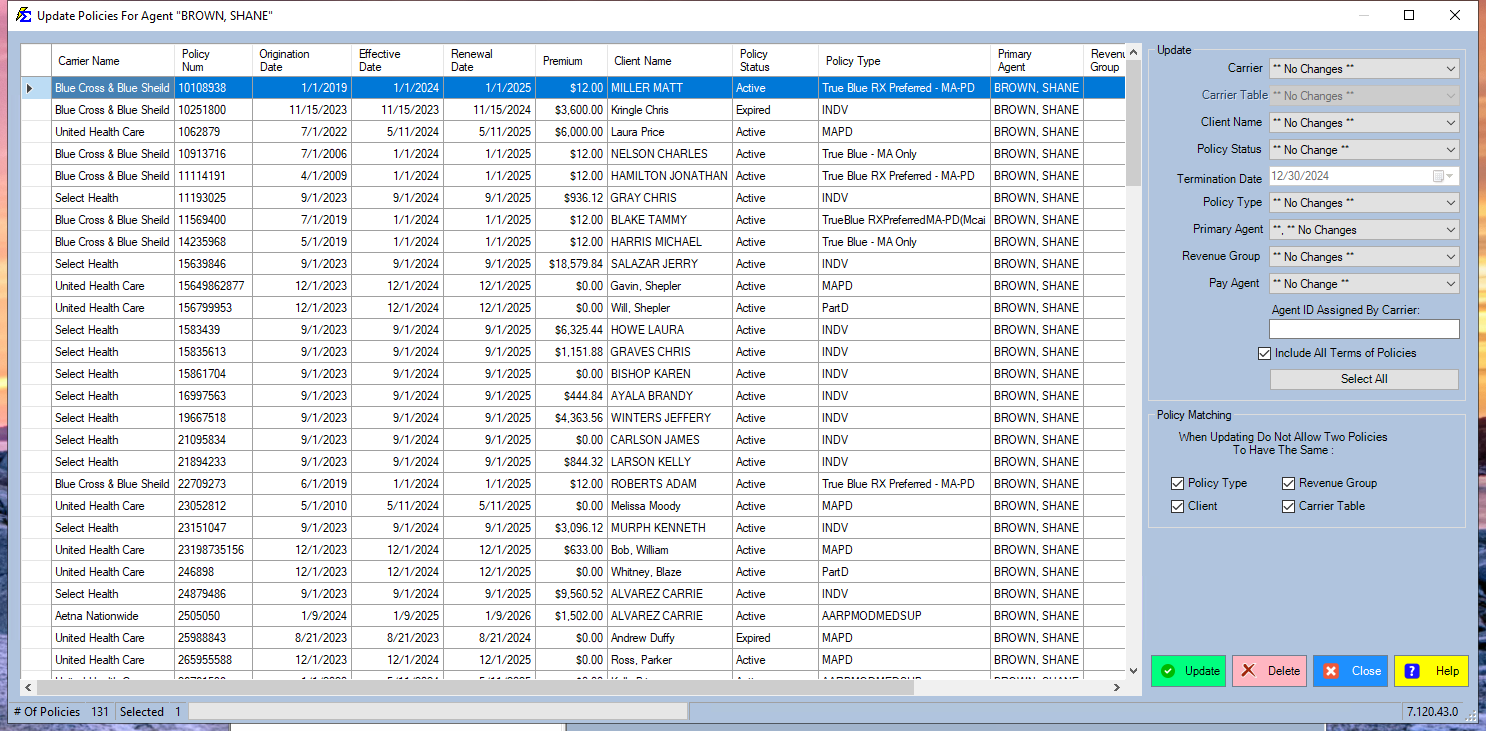
- Bulk Editing: Apply changes to status, plans, or dates across all policies for a single agent.
- Custom View: Sort data by clicking headers and rearrange columns with drag-and-drop.
💡 Best Practices
- ✅ Accuracy: Always double-check your "Termination Date" when bulk-terminating to avoid historical reporting errors.
- ✅ Organization: Reorder your columns to keep the most relevant data points visible while you perform your updates.