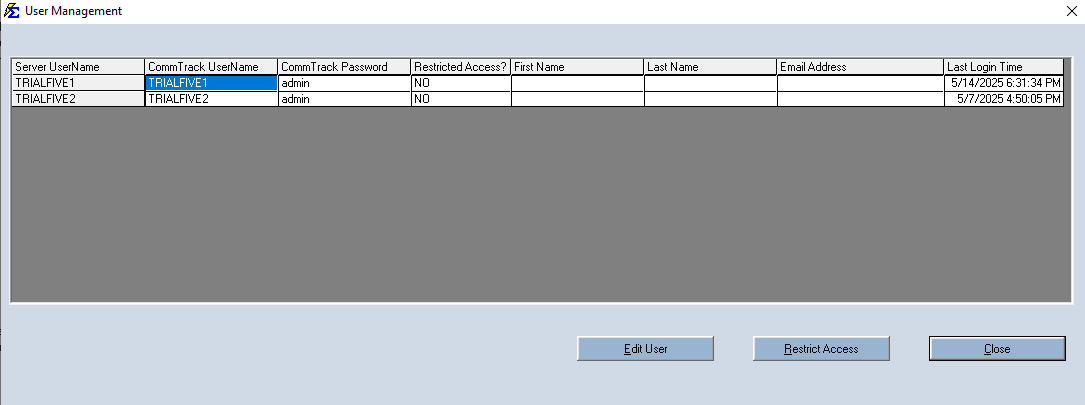
User Management
Overview
Control database access and security permissions from the User Management utility located in the Tools menu.
🔐 Security Settings
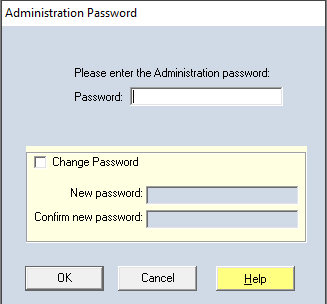
- Default Tools Password:
password - Customization: Check the "Change Password for Tools" box to update this security layer.
🛠️ User Configuration
- Credentials: Manage usernames, passwords, and associated email addresses.
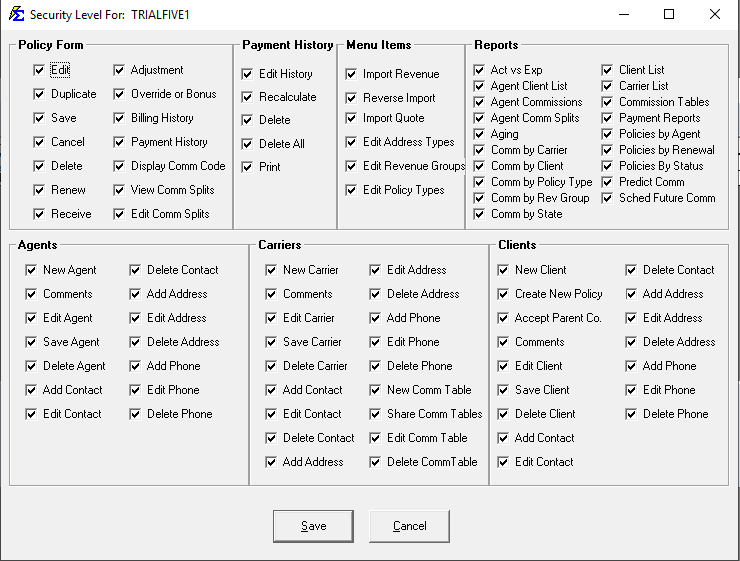
- Permissions: Restrict specific actions (like deleting or reporting) on a per-user basis to protect sensitive data.