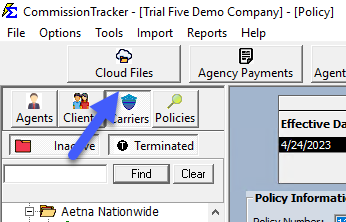
View Cloud Files
Overview
Your CT Cloud Account includes dedicated storage for Excel files, serving as a staging area for your carrier statements before they are imported.
🛠️ Key Features
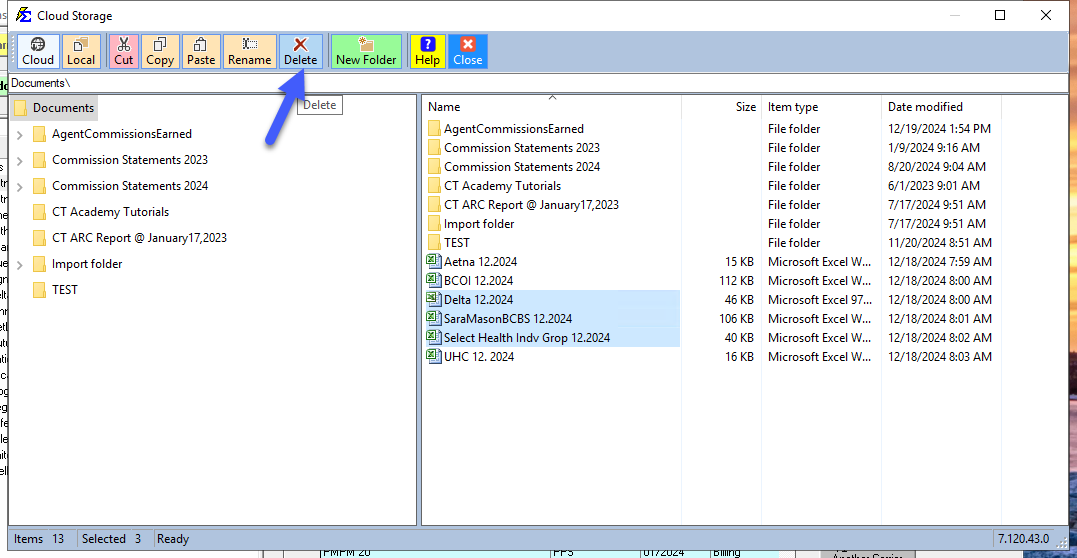
- File Management: Copy from your local PC and paste directly into the Cloud.
- Organization: Create custom folders like "Ready to Be Imported" to manage your workflow.
- Bulk Actions: Use Ctrl + Click to select and delete multiple files at once.
💡 Best Practices
- ✅ Safe Deletion: Deleting files here does not affect data that has already been imported into the database.
- ✅ Efficiency: Centralizing your files in the cloud ensures they are always accessible to the Import utility.